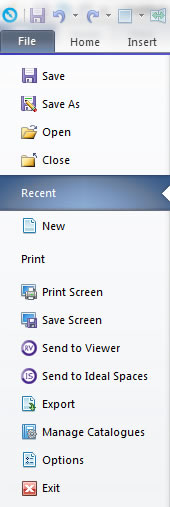
Create a new design.
Using Fusion FX's integrated customer management system, all the designs must be located under their associated customer's name.
- Select the customer within the find customer dialog.

- Click New.
- Enter a design name, and then click OK.
- Select the required catalogue(s) you wish to design with, and then click OK.
 Without Fusion FX's integrated customer management system