
Change the default named view options.
Through preference options, you can manage your named views defined for an active design, in addition to those named views available for all designs.
What do you want to do?
Preference: Manage available named views
- In the left pane, click Named Views.
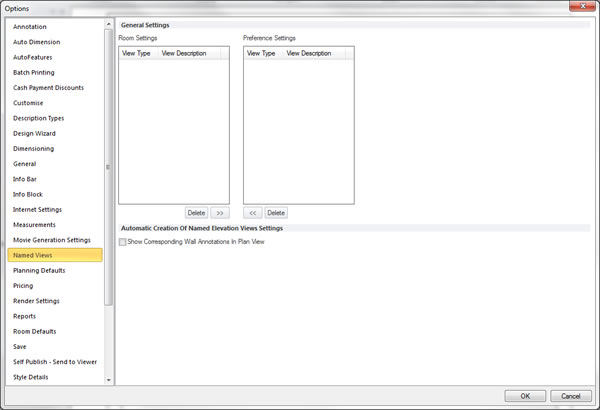
- Within the General Settings section, select, move or clear the desired named view settings.
 TOP OF PAGE