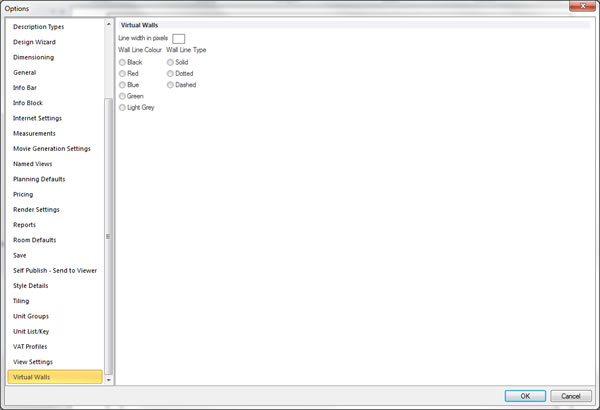
Change the default wall options.
You can choose preferences to control how walls will behave within Fusion FX.
What do you want to do?
Preference: Change the dimensions of walls added through the wall layout wizard
- In the left pane, click Planning Defaults.
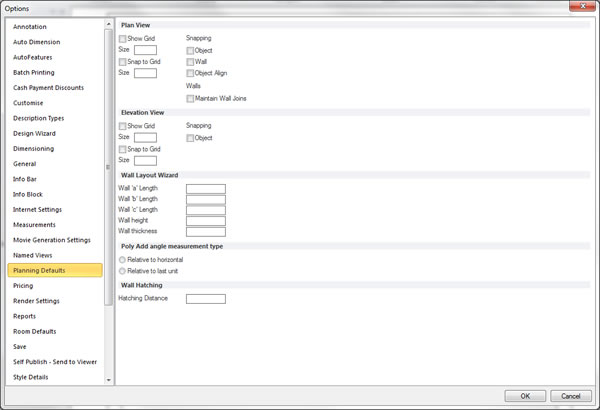
- Within the Wall Layout Wizard section, select or clear the desired items.
 TOP OF PAGE
Preference: Change the wall hatching distance
- In the left pane, click Planning Defaults.
- Within the Wall Hatching section, set the desired hatching distance.