www.2020-fusion.com
Change an item's variable parameters.
Select the item that you want to edit.
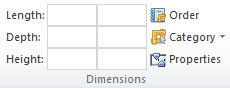
On the
Items
tab, in the
Dimensions
group, select the
Properties
option.
A new window will appear display the item specific properties.
Select the option required.