
Add an instruction.
Instructions are service-based items which can be used for applying additional non-product based prices to your design. These items can also be given specific order codes and descriptions.
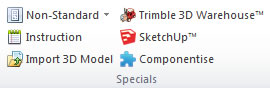
- On the Insert tab, in the Items group, click the Instruction option.
- Choose a catalogue and select the instruction required from the list of instructions available.
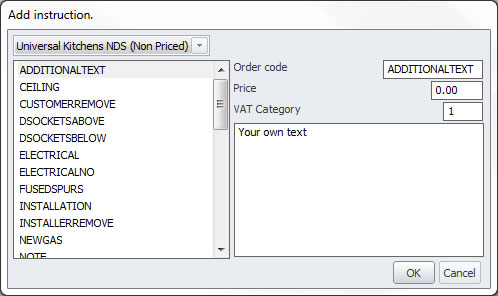
- Enter any of the following information for the product:
- Order code
- Description
- Price
- Click OK to add the item to your design.
NOTE The price entered is exclusive of any tax.